MFA Configuration Office 365
To configure multifactor authentication on your smartphone, log in with your username and password on the website
https://aka.ms/mfasetup(Link)
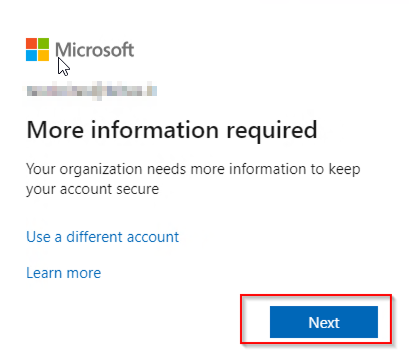
Klicken Sie auf Weiter:
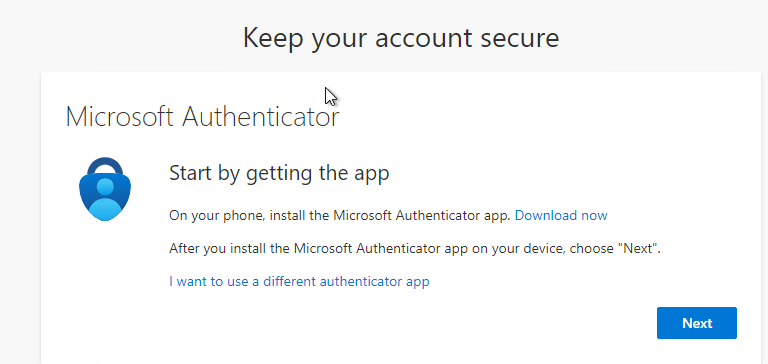
Please install the Microsoft Authenticator app on your smartphone. It is available for free in the Apple App Store or the Google Play Store for Android.
Apple: Download Microsoft Authenticator App(Link)
Android: Download Microsoft Authenticator App(Link)
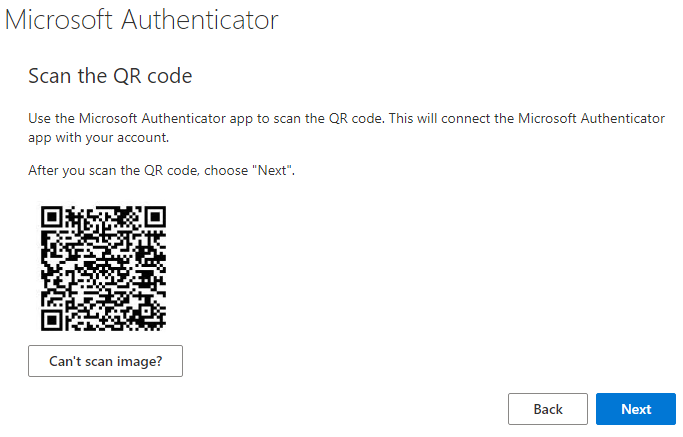
Click on the plus sign and add a work or school account.

Scan the QR code.
Click on “Next” and enter the number displayed in the app on your smartphone.
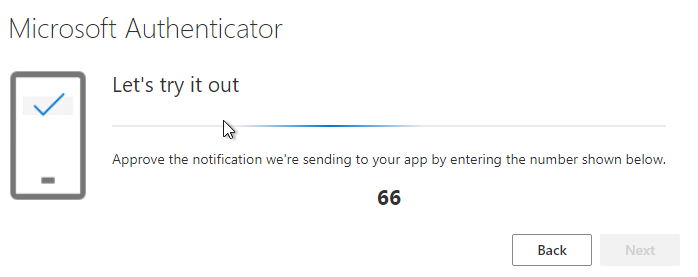
Then click on “Next” again and then on “Finish.”
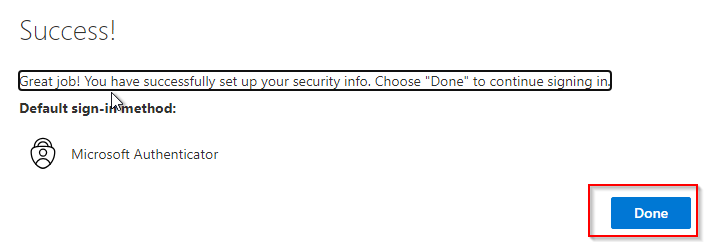
The setup is now complete and you can log in to Virtual.Workplace.